Shop software
Works for the jobs it was designed for. Customer history, suppliers and your own numbers often end up somewhere else.
For mechanics, equipment and small engine repair, and other service counters. One system in Airtable tracks every job from check-in to pickup, orders the parts and gets the invoice right the first time.
For owner-led businesses of 5 to 50 people in Canada and the US.
A customer calls to ask if their machine is ready. The tech says it's waiting on a part. Nobody is sure when the part was ordered, or whether it was. Meanwhile the invoice gets written up at the counter from memory, and some of the shop time never makes it on.
Works for the jobs it was designed for. Customer history, suppliers and your own numbers often end up somewhere else.
Clipped to the job, or lost under it. Time and parts get added up at the end, by hand.
Accurate the day someone counted. Reorders happen when a tech finds the bin empty.
Each machine or vehicle is linked to its owner and its full service history. Techs log time and parts on the work order from a tablet or phone. When a part is needed, the purchase order is linked to the job, so anyone at the counter can see what it's waiting on and when it's due.
When the job is marked ready, the customer gets an email and the invoice is built from the time and parts already on the work order. Overdue jobs and late parts show up on the owner dashboard by themselves.
Parts used on a work order come off the shelf count. When a part drops below its reorder point, a draft purchase order is waiting for you to check.
Replaces: the empty-bin surprise.
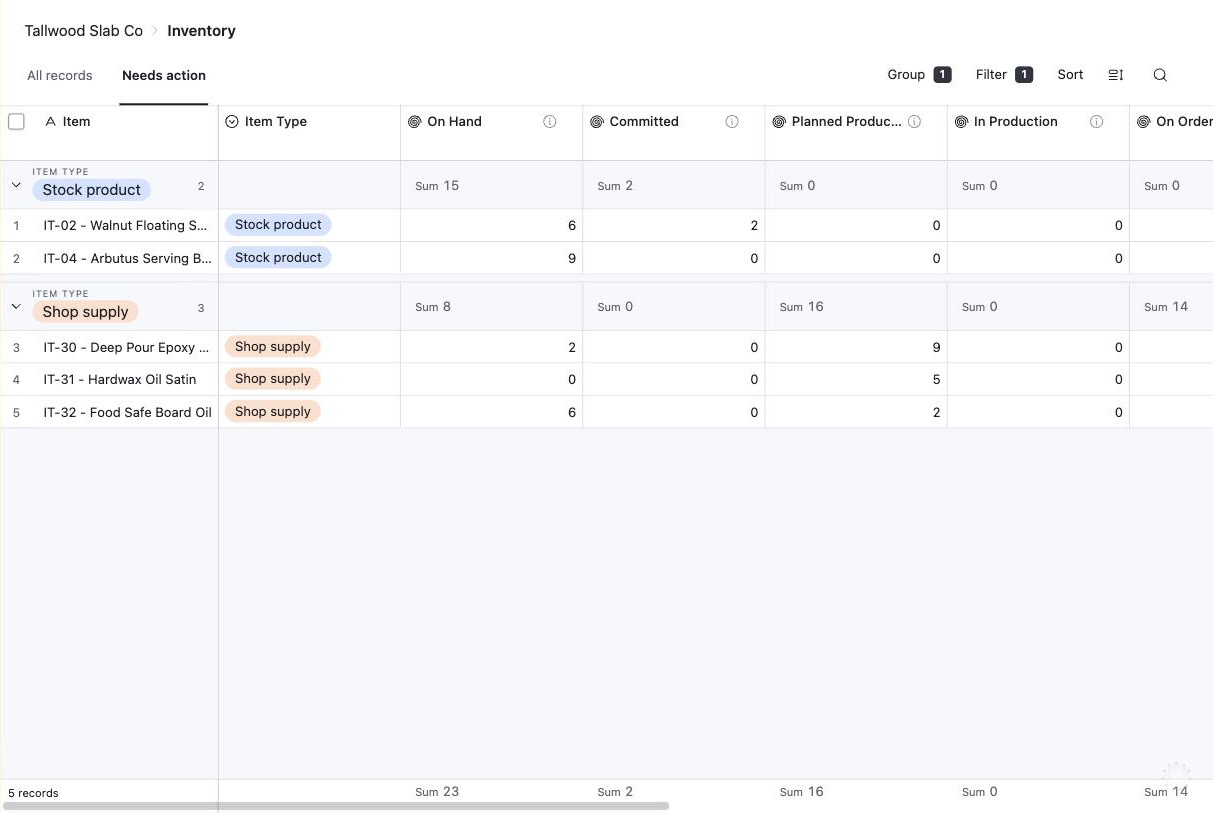
All in one system, so the counter, the techs and the owner work from the same information.
Customers, their machines and every past repair.
Read moreWork orders from check-in to pickup, with who is on each one.
Read moreParts ordered for the job, with the date they arrive.
Read moreEstimates the customer approves, and invoices built from the work order.
Read moreA review request after pickup, automatically.
Read moreJobs in the shop, waiting on parts and ready to bill.
Read moreThe system fits best when the owner is still the one who knows where every job stands.
"Alison and I worked together on fuel supply and delivery contracts and various other initiatives over nearly five years. She was always prompt, professional and detail oriented."
Kerry Mehaffey, Executive in Indigenous government and business
Most shops start with the core system: customers, work orders, estimates, invoices, payments and an owner dashboard. Parts and purchasing is an add-on.
We walk through a job from check-in to pickup and see where time and parts go missing.
We build your system, bring in your customers and open work orders, and train the counter and the techs. Your part is about 2 to 5 hours a week.
We keep it running and make changes as your business grows.
Prices are before tax. Canadian clients pay GST/HST on top. Payment is by credit card.
Often. If your shop software can share its data, we can connect it. If it can't, the Blueprint shows whether it's simpler to run everything in one system.
Yes, on a phone or tablet. Each tech sees their own work orders and logs time and parts as they go.
Yes, with an optional customer portal where each customer logs in and sees only their own records. Portals are priced separately, because the cost depends on how many customers use it and what they need to see.
Yes. Your bookkeeper keeps using QuickBooks or Xero, and the system can connect to either so invoices and payments go across without retyping. The connection is $500 CAD.
Usually 4 to 8 weeks from the end of the Blueprint to go-live, including moving your data in and testing with real work. Your part is about 2 to 5 hours a week.
Tell us how a job moves through your shop today. In 30 minutes you'll know what it would take to connect it.
Book a free 30-minute call